Pick your plansTap any plan to add it to your cart.
Copy your messageOpen your cart and copy the order message.
Order nowOpen a ticket and paste your message.
🎉 10% off when you order 3 or more services at once. The discount is applied automatically in your cart.
Shared means 1 device at a time. Use an existing profile, do not create one.
Personal Upgrade means your own account gets upgraded.
Family Invite means your personal account will be upgraded via family invite.
FAQ
How does the warranty work?
Every plan shows its term next to it, like 6 mo, 12 mo or a full season. That term is your warranty period. If your account stops working within it, I will either fix or replace it.
Sports plans marked with a season are covered for the full season. The warranty is voided if the account turns out to be working when you ask for a replacement.
How do I request a warranty fix?
First make sure the account is fully non-functional. Then open a ticket the same way you purchased, and include all three of these:
The service name.
A clear description of the issue.
The login details (email:password).
Requests that are missing any of these will not receive a response.
What payment methods do you accept?
Venmo, Cash App and crypto only. Nothing else, so please do not ask for other payment methods.
Venmo Cash App Crypto
How do I order?
Tap the plans you want to add them to your cart, open the cart and copy the message. Then tap Order now, open a ticket in the Streaming tab and paste your message. The tab looks like this:
Order 3 or more services at once and you get 10% off, applied automatically in your cart.
Terms and Conditions
If your account stops working within your warranty period, I will either fix or replace it, but you must follow these 3 steps:
If an account stops working, you must provide the service name, a clear description of the issue, and the login details (email:password) when requesting a fix or replacement.
Please verify that the account is fully non-functional before contacting me. If the account is found to be working and a replacement is requested, the warranty will be voided.
Fixes or replacements will only be provided when the service name and complete login details are included. Requests that do not follow Step 1 will not receive a response.
Choose your planPick Regular or 4K, then your length and connections.
Copy your messageUse the order helper below.
Order nowOpen a ticket and paste your message.
Set upGet your app and add your playlist.
🌐
What is IPTV? IPTV (Internet Protocol Television) sends live TV, sports, movies and shows to you over your internet connection instead of cable or satellite. You watch in an app on your phone, TV stick, Apple TV, computer or Roku. All you need is a device, a steady internet connection and a login.
✅
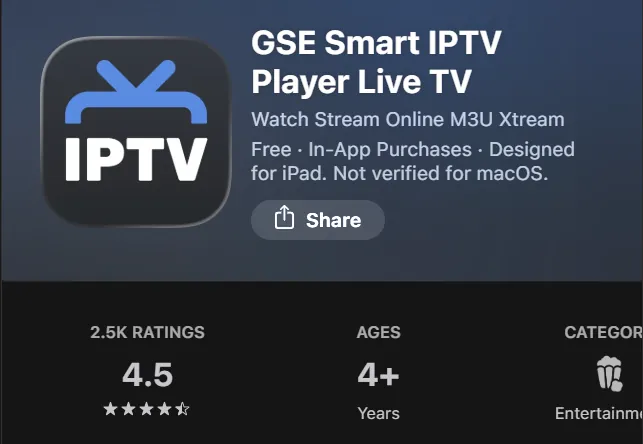
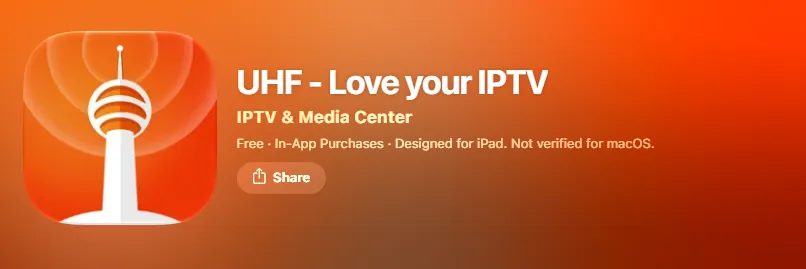
Have an app ready first. Install an app on your device before you go any further. Step 3 shows the right one for each device. You need it as soon as your service is set up.
📺
Your one-stop shop for everything. Live sports from all around the world, with every single game in every market, no matter where you are. Pay-per-view and network-only events are included too, along with a huge collection of movies and shows on demand.
🎁
Free trials. Trials are available for active customers. Brand new customers with fewer than 5 orders will not get a free trial.
1
Choose your service
4K is perfect for sports. If you just want regular TV, Regular will probably do.
📺 RegularEveryday TV
🏆 4K
More content
More stable
Significantly better quality
Really good uptime, because it is more private
Not sure? What do you mostly watch?
2
Choose your length and connections
A connection is one device watching at the same time.
Number of connections
Length
1
2
3
4
5
1 month
$5
$9
$12
$14
$16
3 months
$11
$20
$30
$37
$40
6 months
$20
$35
$50
$65
$78
12 months
$38
$68
$95
$125
$150
Regular: you cannot add connections once your subscription is activated, so choose carefully.
Number of connections
Length
1
2
3
4
5
1 month
$15
$20
$25
$30
$35
3 months
$30
$40
$50
$60
$70
6 months
$50
$65
$80
$95
$110
12 months
$80
$100
$130
$155
$180
4K: you can add connections later, but you cannot remove a connection.
💳 Payment: Venmo, Cash App and crypto are accepted only. Nothing else. Please do not ask for other payment methods.
Venmo Cash App Crypto
🛒
Order helper
Pick what you want and we'll write your order message. Tap Copy message, then send it to us.
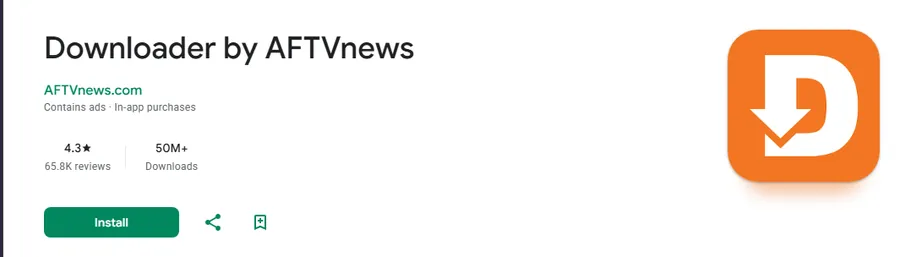
Type Downloader and pick the orange Downloader app.
Select Get or Download and wait for it to finish.
B. Turn on unknown sources for Downloader
Open Settings.
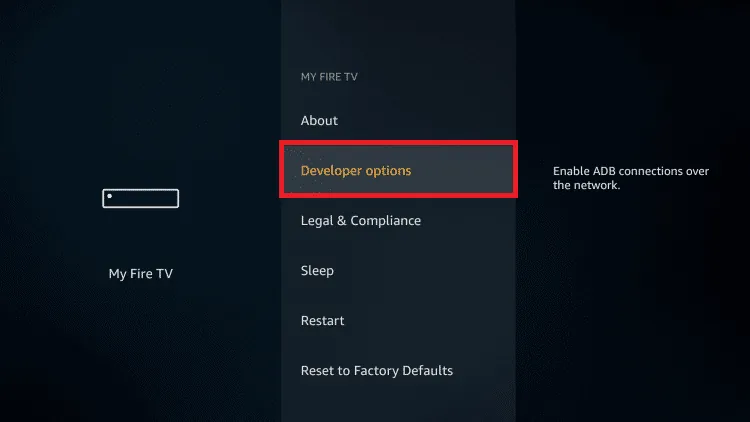
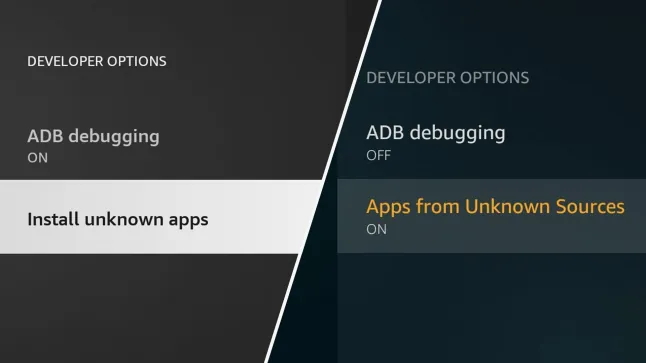
Firestick:My Fire TV, then Developer Options, then Install unknown apps. If you see Apps from Unknown Sources instead, turn that on.
Don't see Developer Options? Go to Settings, then My Fire TV, then About. Highlight the first item (your Fire TV Stick name) and press the Select button on your remote 7 times. A message says you are now a developer. Go back, and Developer Options now shows in My Fire TV.
ONN stick or Android TV:Device Preferences, then Security & restrictions, then Unknown sources.
Android phone or tablet:Apps, then Special app access, then Install unknown apps.
Find Downloader and switch it ON.
Left: newer Fire TV (Install unknown apps). Right: older Fire TV (Apps from Unknown Sources).
C. Enter the code
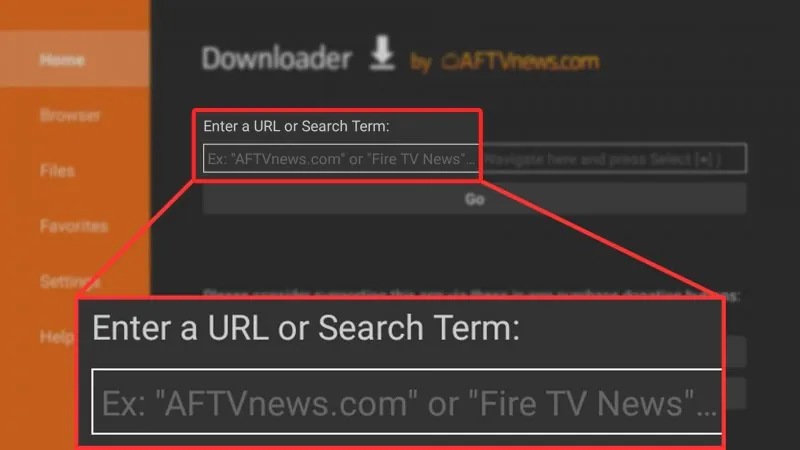
Open Downloader and click the URL line in the middle of the screen.
Type this code and select Go.
2418642
When the file finishes downloading, select Install, then Open.
Then go to Step 5 to add your playlist.
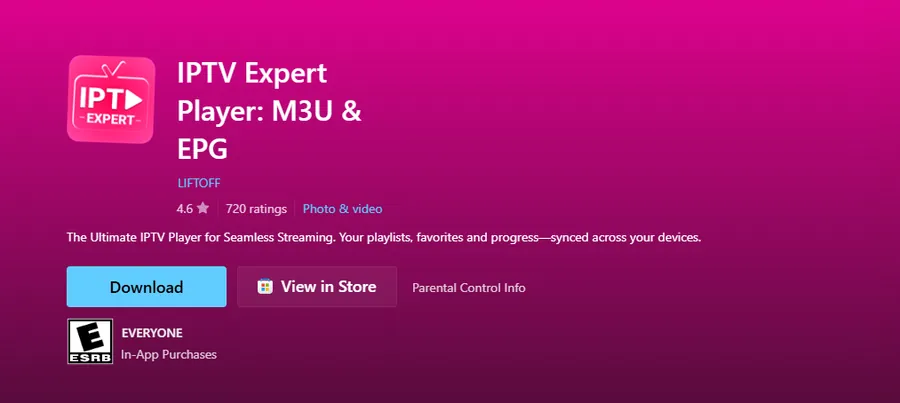
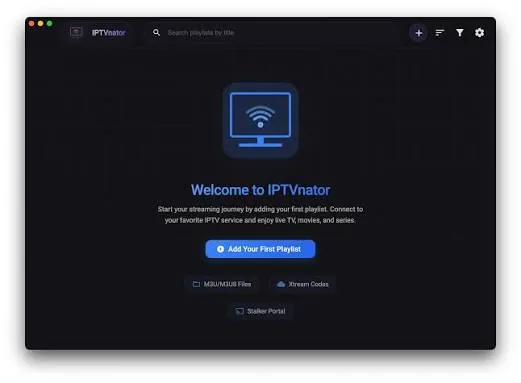
Windows PC: install IPTV Expert from the Microsoft Store, IPTVnator from GitHub, or IPTV Smarters Pro from CNET.
Mac: install IPTVnator from GitHub, or IPTV Smarters Pro from CNET.
📺 RegularUsername: you choose, at least 8 charactersPassword: you choose, at least 8 characters
🏆 4KUsername: you choose, at least 5 charactersPassword: randomly generated for you
5
Add your playlist
🔥 Firestick, Android device or ONN stick with the app from Downloader? Pick Regular or 4K, then enter just your username and password. You do not need to enter a URL.
All other apps: once you have your login, open your app and add a new playlist using Xtream Codes. Some apps call it "Xtream Codes API" or "Login with Xtream". Enter the three details we send you:
🔗 Xtream URLThe web address we send you
👤 UsernameFrom your login
🔒 PasswordFrom your login
Careful: your playlist details are case sensitive. Enter the Xtream URL, username and password exactly as we sent them, with the same capital and lowercase letters.
Give the playlist any name you like, then tap Add or Save and wait a moment for your channels to load.
Quick answers
Which devices work?
iPhone, Apple TV, Firestick, Android devices, ONN sticks, Windows PC, Mac and Roku. Step 3 shows the right app for each one.
What is the difference between Regular and 4K?
Regular is everyday TV. 4K has more content, is more stable, has significantly better quality and really good uptime because it is more private. It is the one to pick for sports.
What is a connection?
A connection is one device watching at the same time. On Regular you cannot add connections once your subscription is activated, so choose carefully. On 4K you can add connections later, but you cannot remove one.
Do you offer free trials?
Trials are available for active customers. Brand new customers with fewer than 5 orders will not get a free trial.
What payment methods do you accept?
Venmo, Cash App and crypto only. Nothing else.
My playlist will not load. What should I check?
Your playlist details are case sensitive. Enter the Xtream URL, username and password exactly as we sent them, with the same capital and lowercase letters. If it still does not work, open a ticket in the IPTV tab.